TextFromImage
Extract text from any image
Copy text from screenshots, photos, and documents instantly. Perfect for digitizing printed text.
3 files for $4.99. No subscription. Credits never expire.
Drag & drop your file here, or click to select
Maximum file size: 10MB
Supported formats: png, jpeg, webp, heic, heif, heic-sequence, heif-sequence
Your privacy matters: Uploaded files are deleted immediately after processing. Results are deleted after download or within 1 hour. Only you can access your files. Learn More
Your Privacy Matters
- • Files auto-deleted after download
- • Never used for AI training
- • Only you can access your files
Text Extraction
Copy text from any image instantly
Document Scan
Extract text from photos and screenshots
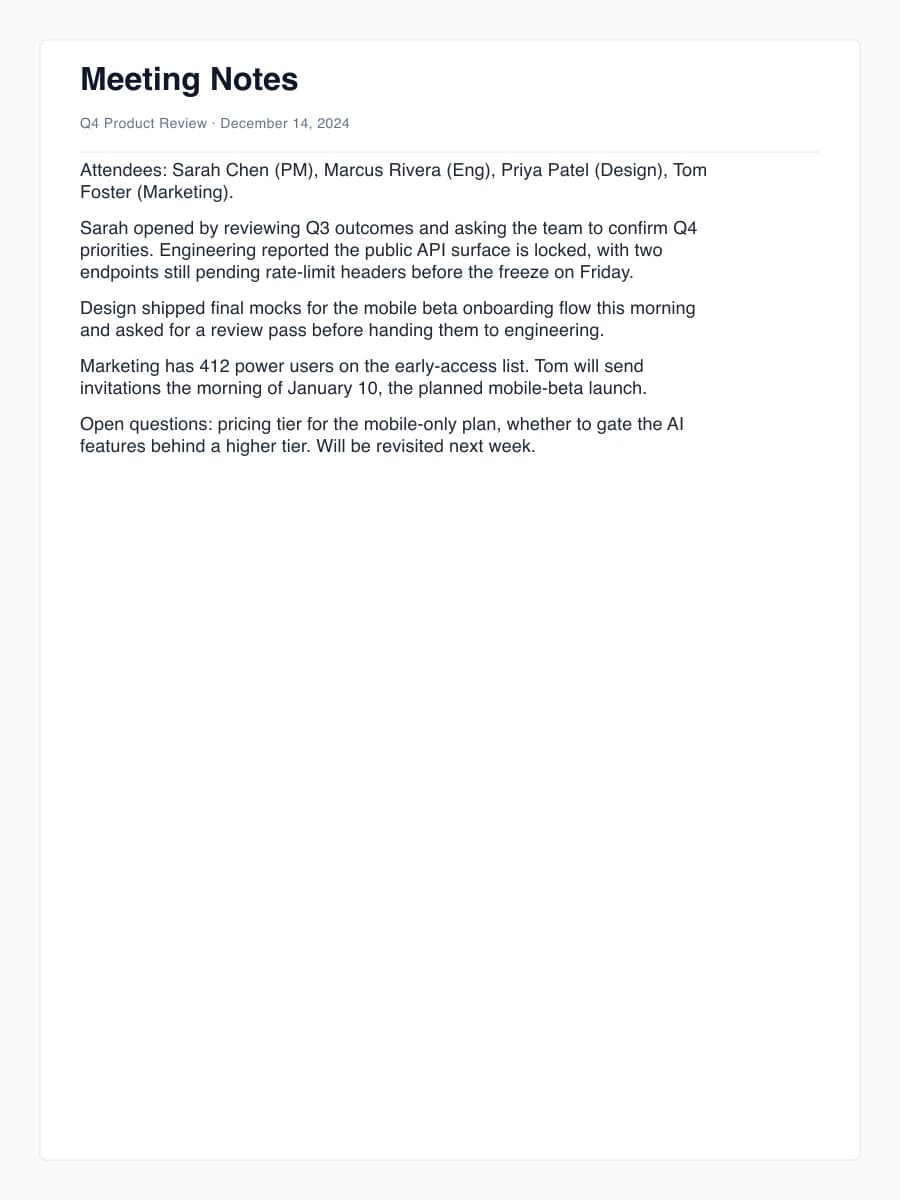
Q4 Product Review · December 14, 2024
Attendees: Sarah Chen (PM), Marcus Rivera (Eng), Priya Patel (Design), Tom Foster (Marketing).
Sarah opened by reviewing Q3 outcomes and asking the team to confirm Q4 priorities. Engineering reported the public API surface is locked, with two endpoints still pending rate-limit headers before the freeze on Friday.
Design shipped final mocks for the mobile beta onboarding flow this morning and asked for a review pass before handing them to engineering.
Marketing has 412 power users on the early-access list. Tom will send invitations the morning of January 10, the planned mobile-beta launch.
Open questions: pricing tier for the mobile-only plan, whether to gate the AI features behind a higher tier. Will be revisited next week.
What is TextFromImage?
TextFromImage copies the text out of a picture. Upload a screenshot, a photo of a page, a scanned document or a slide, and download the words as a plain .txt file you can edit, search and paste. One credit per image. Credit packs start at $4.99. No subscription, and credits never expire.
How does text extraction work?
An OCR (optical character recognition) model finds the lines of text in your image and reads them character by character. iPhone HEIC photos are converted first, and the recognized text is saved line by line as a plain text file.
- 1
Upload your image
PNG, JPG, WebP, HEIC or HEIF, up to 10MB.
- 2
The text is read
Printed and on-screen text is recognized line by line.
- 3
Download the .txt file
Paste it into email, notes, a document or a spreadsheet.
Why use TextFromImage?
- Copy text from screenshots you cannot select
- Turn a photo of a printed page into editable text
- Takes iPhone HEIC photos directly
- If a scan fails, the credit goes back to your balance
- Uploaded and processed files are deleted automatically within an hour
Best for
Copying quotes from screenshots and slides, pulling text out of photographed letters, menus and forms, and getting printed pages into a document without retyping them.
Popular TextFromImage conversions
Often used next
- QuickReceipt: For receipts, get vendor, items and totals as CSV or Excel.
Simple Pricing
Buy credits once, use them anytime. No subscriptions.
Micro
$4.99Starter
$19.99Pro
$49.99Business
$99.99If a file fails to process, its credit goes back to your balance automatically. Your files are deleted after download or within 1 hour.
Developer API
Integrate TextFromImage into your apps, workflows, and automation
API Access
Use TextFromImage in your apps. Same credits as web - 1 credit per operation.
# File upload
# The @ symbol tells curl to read from a file path
curl -X POST https://textfromimage.app/api/v1/process \
  -H "Authorization: Bearer YOUR_API_KEY" \
  -F "file=@image.jpg"

# URL input
curl -X POST https://textfromimage.app/api/v1/process \
  -H "Authorization: Bearer YOUR_API_KEY" \
  -H "Content-Type: application/json" \
  -d '{"url": "https://example.com/image.jpg"}'
Response:
{
  "success": true,
  "downloadUrl": "https://textfromimage.app/api/outputs/abc123.png?token=...",
  "expiresIn": 3600,
  "creditsUsed": 1,
  "creditsRemaining": 19
}
Additional Endpoints:
GET /api/v1/creditsCheck your credit balance
GET /api/v1/job/:idCheck job status (for async processing)
Sign in to generate your API key and start integrating.
Frequently Asked Questions
What kinds of images can TextFromImage read?
TextFromImage reads printed text in screenshots, photos of documents, scanned pages, signs and slides. Upload a PNG, JPG, WebP or iPhone HEIC image up to 10MB and download the text as a plain .txt file you can paste into email, notes or a document.
Does it work with handwriting?
TextFromImage is built for printed and on-screen text. Neat block handwriting sometimes comes through, but cursive and messy notes often do not, so treat handwriting as a gamble. If a scan fails to process, the credit goes back to your balance automatically.
How do I get the best results?
Shoot the page straight on in good light, fill the frame with the text, and avoid glare and shadows across the lines. Screenshots give the cleanest results because the text is already sharp. Crop out photos and decorations around the text before uploading.
Do credits expire?
Never! Once you purchase a credit pack, you can use those credits anytime - there's no expiration date or time limit.
Can I try before buying?
This tool has no free preview. The smallest pack covers a few files, so a first try costs little, and if a file fails to process, its credit goes back to your balance automatically. Credits never expire, so anything left over is there for your next job.
How does this compare to subscriptions?
Unlike monthly subscriptions that charge you even if you don't use the service, you only pay for what you actually use. Perfect for occasional users who don't need unlimited access.
What if I need more credits?
You can purchase additional credit packs anytime. Your credits accumulate, so buying multiple packs adds to your total balance.
Is my payment secure?
Absolutely! All payments are processed securely through Stripe, one of the world's most trusted payment processors. We never see or store your credit card information.
What happens to my files?
Your privacy is our priority. Uploaded files are deleted immediately after processing. Your results are available for download for up to 1 hour and are deleted after you download them. Only you can access your processed files.